auto_graph
QTradeX Core
Build, Backtest & Optimize AI-Powered Trading Bots
Lightning-fast Python framework for algorithmic trading. Deploy on 100+ exchanges with vectorized execution and genetic optimization.

help_outline
Why QTradeX?
Modular, Non-Locked Architecture
- Modular architecture - want to use QTradeX's data fetching with a custom backtest engine? Go for it!
- Tulip + CCXT Integration
- Free and Open Source
- Runs on desktop (No cloud nonsense)
- Custom Bot Classes
- Fast, Disk-Cached Market Data
- Ultra Fast Backtests (even on a Raspberry Pi!)
stars
Features at a Glance
earthquake
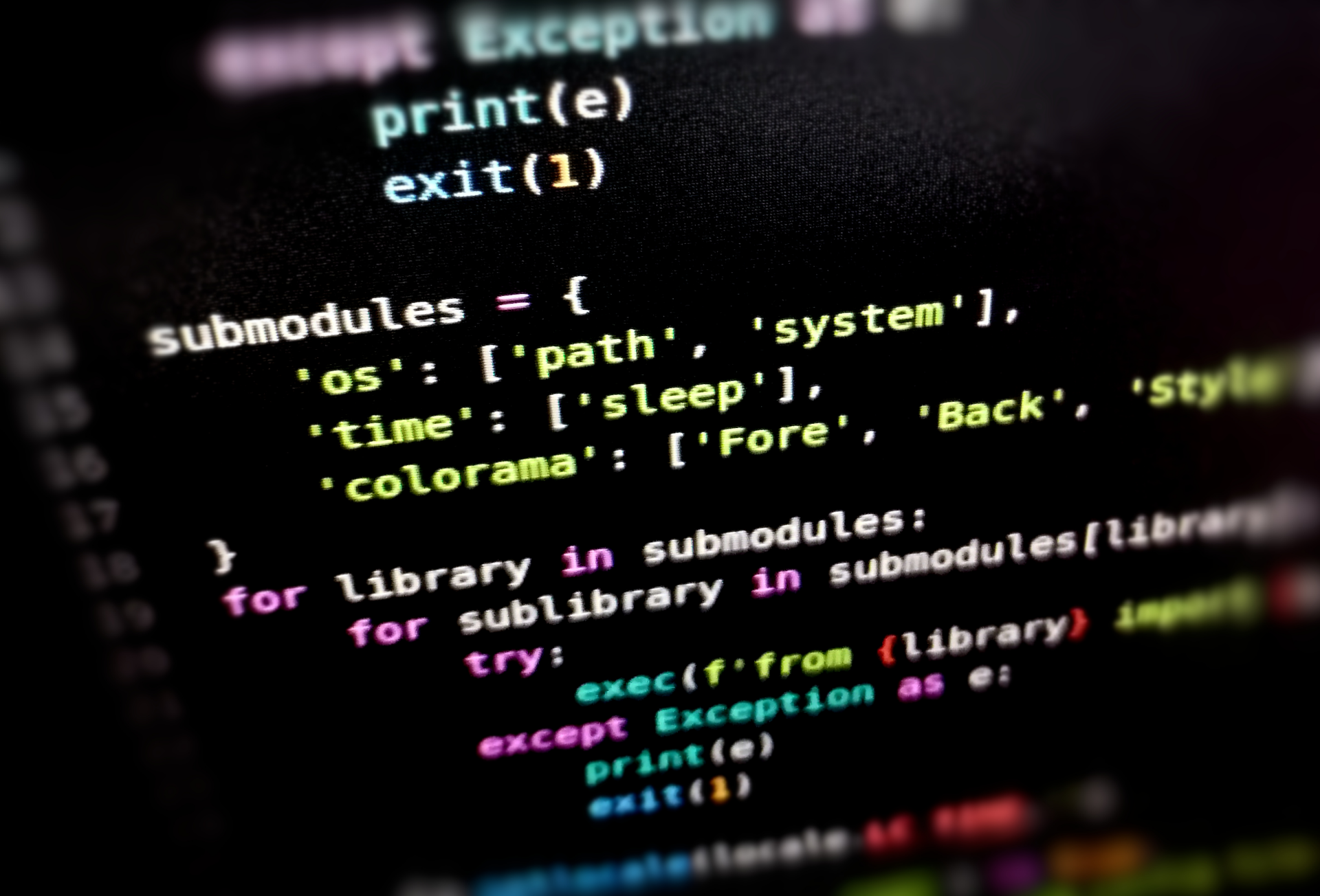
Vibe Code a Bot:



terminal
Code Example
description ema_cross_bot.py
import qtradex as qx
import numpy as np

class EMACrossBot(qx.BaseBot):
    def __init__(self):
        # Notes:
        # - If you make the tune values integers, the optimizers
        #   will quantize them to the nearest integer.
        # - By putting `_period` at the end of a tune value,
        #   QTradeX core will assume they are periods in days and will scale them
        #   to different candle sizes if the data given isn't daily
        self.tune = {
            "fast_ema_period": 10.0,
            "slow_ema_period": 50.0
        }
        self.clamps = {
            "fast_ema_period": [5, 7.5, 50, 1],
            "slow_ema_period": [20, 35, 100, 1],
        }

    def indicators(self, data):
        return {
            "fast_ema": qx.ti.ema(data["close"], self.tune["fast_ema_period"]),
            "slow_ema": qx.ti.ema(data["close"], self.tune["slow_ema_period"]),
        }

    def strategy(self, state, indicators):
        fast = indicators["fast_ema"]
        slow = indicators["slow_ema"]
        if fast > slow: return qx.Buy()
        elif fast < slow: return qx.Sell()
        return qx.Thresholds(buying=fast * 0.8, selling=fast * 1.2)

    def plot(self, *args):
        qx.plot(
            self.info,
            *args,
            (
                # key name    label    color   axis idx   axis name
                ("fast_ema", "EMA 1", "white", 0,        "EMA Cross"),
                ("slow_ema", "EMA 2", "cyan",  0,        "EMA Cross"),
            )
        )
Quick Start
$pip install qtradex
# Or, if you want the latest updates:
$git clone https://github.com/squidKid-deluxe/QTradeX-Algo-Trading-SDK.git QTradeX
$cd QTradeX
$pip install -e .
Optimization
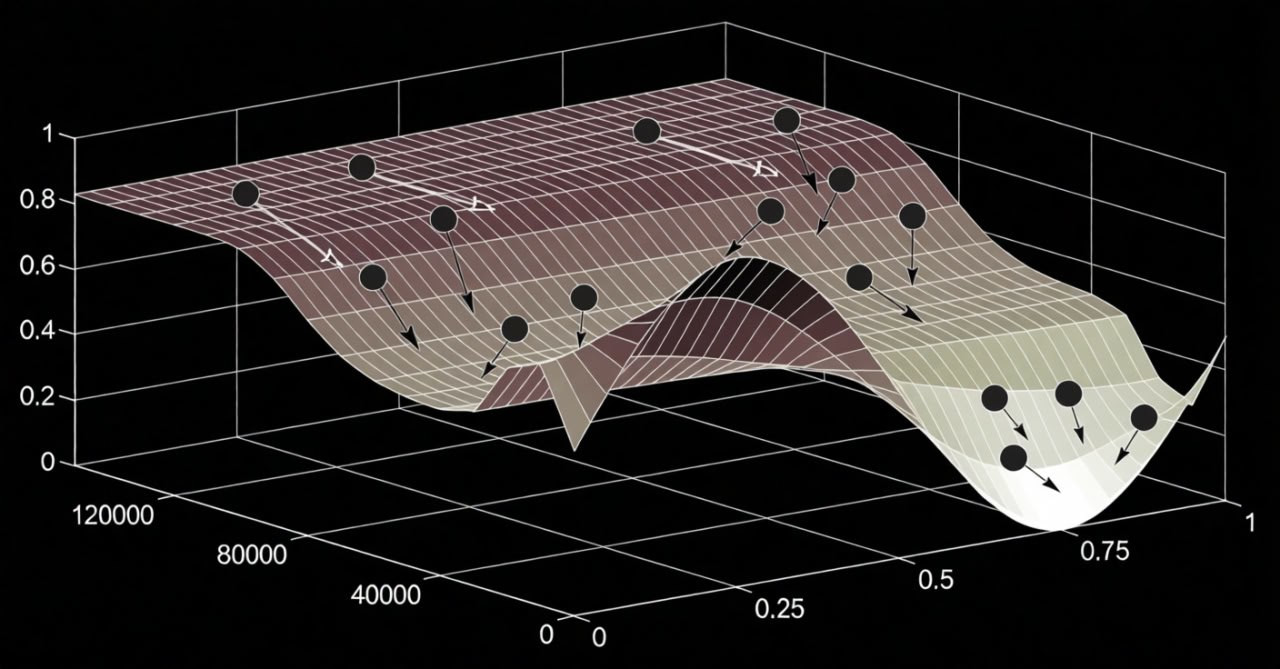
Leverage advanced algorithms like QPSO, LSGA, or others to fine-tune parameters for maximum performance.
map
Roadmap
- More indicators (non-Tulip sources)
- GPU Acceleration for indicators
- Improved multi-core support for optimization
- Windows/Mac support
- TradFi Connectors: Stocks, Forex, and Comex support
account_tree
Usage Guide
1
Build Bot
arrow_forward
2
Backtest
arrow_forward
3
Optimize
arrow_forward
4
Deploy